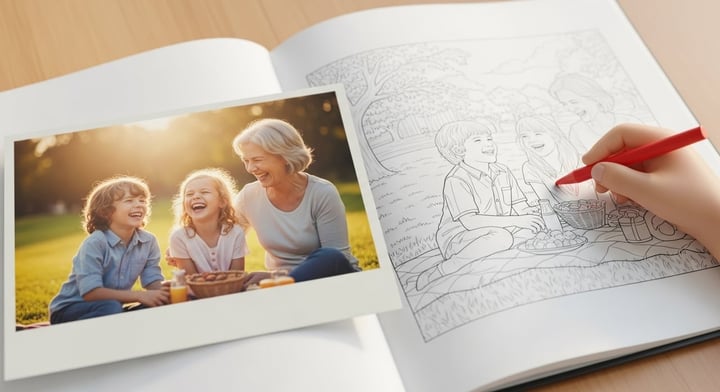
🎨 How to Prompt ChatGPT to Create Stunning Coloring Pages from Your Photos
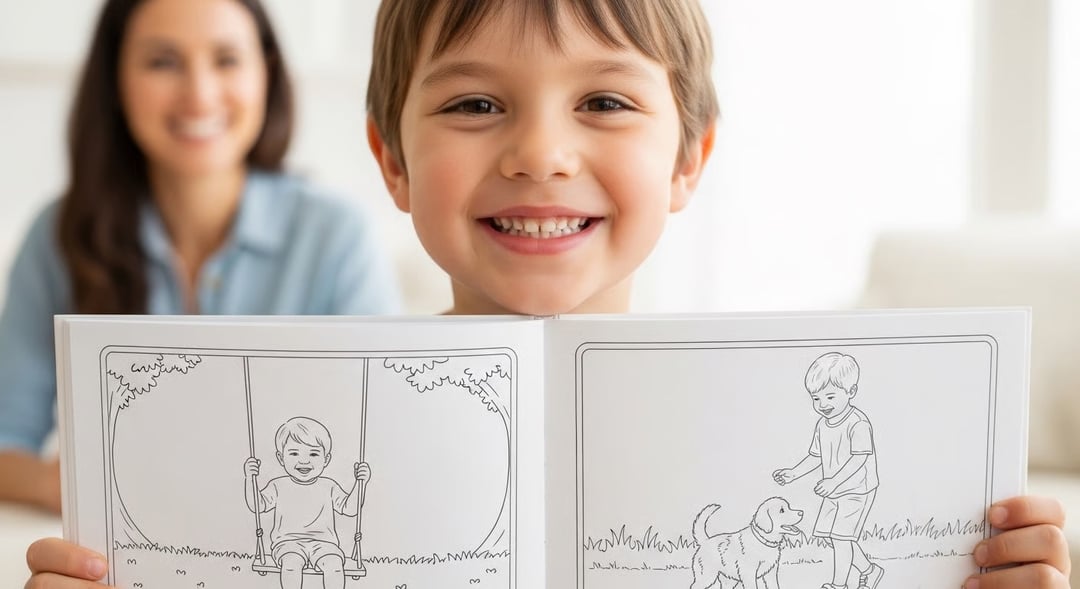
Are you looking for a fun, personalized activity or a unique gift idea? Turning your favorite memories—like a photo of your pet, a child’s drawing, or a beautiful landscape—into a black-and-white coloring page is easier than ever, thanks to the image generation capabilities in advanced AI models like ChatGPT (specifically, those running DALL-E).
However, a simple request like, "Turn this photo into a coloring page," often yields messy, unprintable results. The secret lies in using smart, detailed prompts to guide the AI.
This guide breaks down the essential prompting techniques to ensure you get a clean, high-quality coloring page every time.
📸 Step 1: Upload Your Image and the Basic Request
Before writing any prompt, you need to upload the photo you want to convert.
In a new chat, use the upload button (usually a paperclip or plus sign) to add your image. Once the image is attached, start with a clear, concise command that establishes the goal.
The Foundation Prompt
- Prompt:
Convert this uploaded image into a high-contrast, black and white coloring page suitable for printing.
This sets the stage, telling ChatGPT the subject (the photo) and the style (coloring page).
✨ Step 🖍️ 2: The 3 Core Ingredients for a Perfect Prompt
To move beyond a basic outline to a genuinely great coloring page, you must add specific details about the line quality and complexity. These three components are key to controlling the AI’s output:
1. Define the Style & Line Quality
A typical AI-generated "coloring page" can be too photorealistic, messy, or faded. You need to explicitly demand a clean, professional aesthetic. Use these keywords to guide the AI towards a clean, professional, and bold look, avoiding messy or shaded outputs.
- Cleanliness — Use:
Clean lines,no shading,simplified forms - Boldness — Use:
Thick, bold outlines,heavy line art - Aesthetic — Use:
Vector line art style,graphic novel style,simple children's book illustration
Example Style Snippet:
Use a vector-style line art with thick, uniform black outlines.
2. Control the Complexity (The "Detail" Factor)
The single biggest error people make is not specifying how much detail they want. Too much detail makes it look cluttered; too little makes it look like a child’s scribble.
- For Adults (Intricate) — Use:
Intricate details,complex geometric patterns,fine linework,zen art - For Children (Simple) — Use:
Simplified shapes,low detail,easy-to-color areas,chunky lines
Example Complexity Snippet:
Keep the main subject clear but simplify the background. Ensure there are large, distinct areas for a child to color.
3. Eliminate Distractions (Crucial for Printing)
A good coloring page is focused. Use specific phrases to prevent the AI from adding unwanted elements, color, or backgrounds that waste ink.
- No Background — Use:
Solid white background,white field,transparent background - No Color/Shading — Use:
Pure black lines only,absolutely no gray shading,no color fill - Format — Use:
Formatted for standard 8.5 x 11 inch printing
Example Distraction Snippet:
The resulting image must have a white, borderless background and only use pure black lines for the drawing.
📝 The Ultimate ChatGPT Coloring Page Prompt
Combine the elements above into one powerful command. You can customize the bracketed sections ([]) to match your goal.
The Ultimate Prompt Template:
**TASK:** Convert the uploaded photo into a perfect black and white line art coloring page. **STYLE:** Use a clean, graphic novel style with thick, bold outlines. **COMPLEXITY:** The image should be [Intricate/Simplified] and clearly show [a specific feature from the photo, e.g., "the dog's happy expression"]. **OUTPUT:** Generate an image with a pure white background, no shading, and only solid black lines. Format it for a standard 8.5 x 11 inch printable page.
A Real-World Example
Let's say you uploaded a photo of your golden retriever on the beach.
Prompt:
Convert the uploaded photo into a perfect black and white line art coloring page. Use a clean, friendly children's illustration style with bold lines. The image should be simplified with low detail, and clearly show the dog wearing its bandana. Generate an image with a pure white background and only solid black lines. Format it for a standard 8.5 x 11 inch printable page.
💡 Troubleshooting: What to Do If the First Result is Flawed
AI often needs a second command to nail the look. If the first image isn't perfect, use specific revision prompts:
- If it includes color or shading: "That looks great, but remove all gray shading. I only want pure black and white lines."
- If the lines are too thin: "The lines are too delicate. Thicken all the outlines to make them chunkier and easier to color."
- If the background is too busy: "Please simplify the background to be completely empty and white, keeping only the main subject in the foreground."
📬 Ready for More? The Next Level of Custom Coloring
Using ChatGPT is a fantastic way to create a single, custom coloring page quickly. However, the process still requires multiple steps: uploading, prompting, troubleshooting, downloading, printing, and assembling.
If you are looking to turn your cherished photos—of family, friends, and special moments—into a complete, heirloom-quality coloring book, that's where we come in.
We specialize in taking your favorite photos and professionally generating a full, printed coloring book that is carefully bound and mailed right to your door. Forget the hassle of printing at home or getting inconsistent AI results. Get a beautiful, professionally-made book of your memories.
Try it out here!
Related Articles
Find Your Calm: The Mindfulness Benefits of Coloring (and Creating Your Own!)